The first run of the monitoring workflow came back: “Analysis inconclusive” across all 11 repos.
No errors. No 400 responses. No warnings. Just useless output where I expected structured JSON.
This is the part nobody shows in the demo.
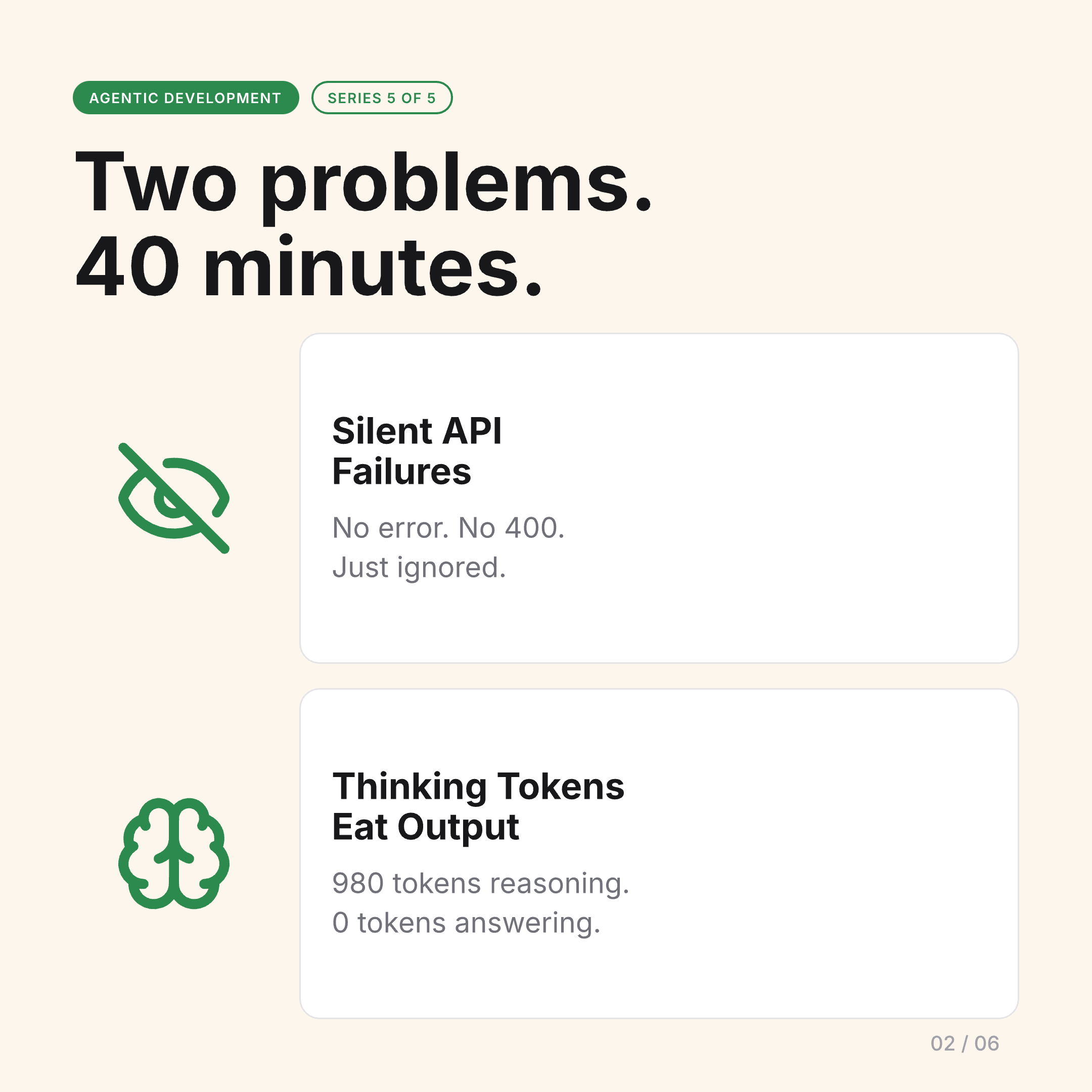
Two Silent Failures
The debugging session took about 40 minutes. I found two problems — neither of which produced any error message.
Problem 1: Gemini’s Response Schema Has Two Field Names
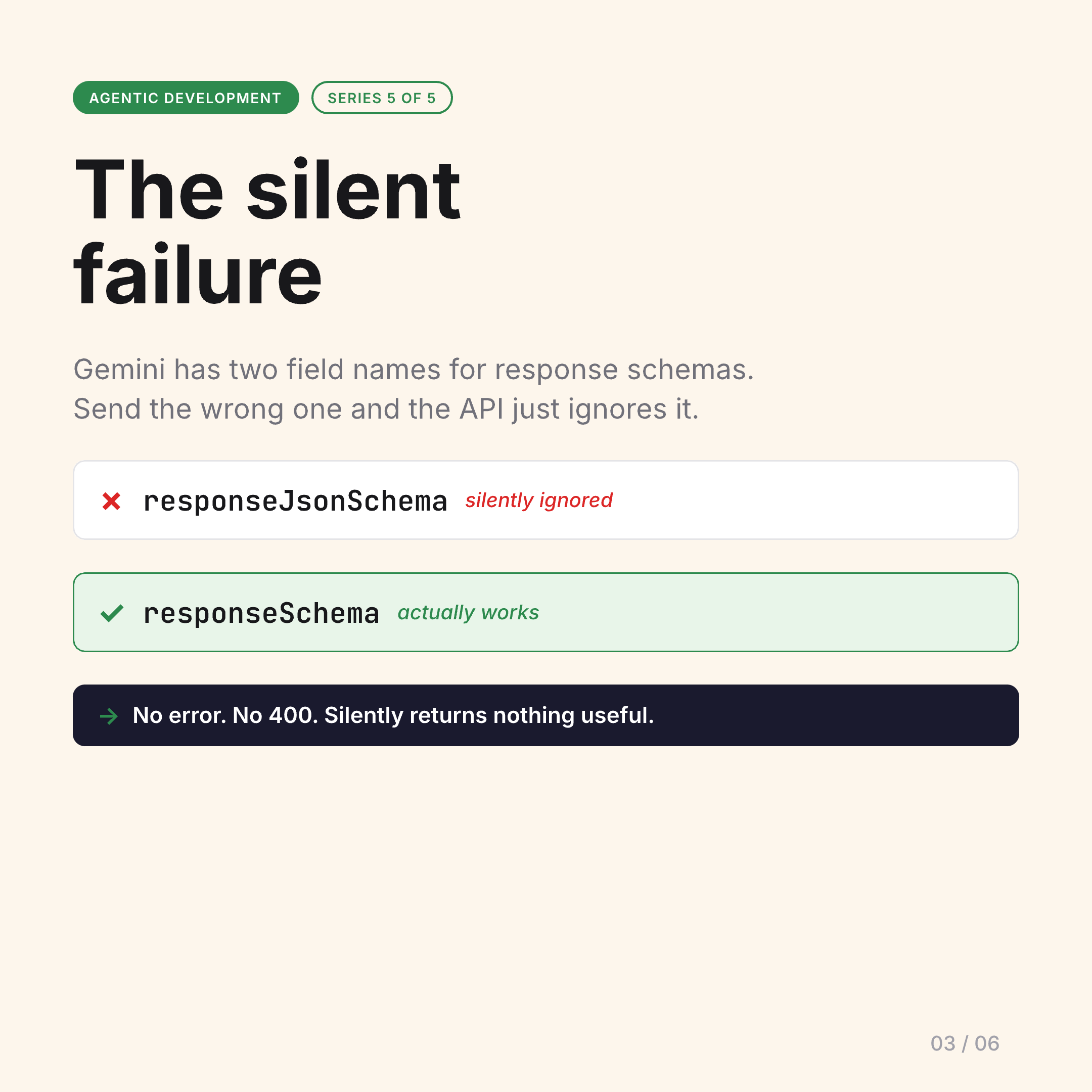
Gemini’s API has two different field names for structured output, depending on the endpoint and SDK version: responseSchema and responseJsonSchema.
Send the wrong one and the API doesn’t reject your request. It doesn’t return a 400. It just ignores the schema entirely and returns an unstructured response that doesn’t match what you asked for.
I was sending responseSchema to an endpoint expecting responseJsonSchema. The output looked like a valid response — it was just completely unstructured, so my JSON parser was silently returning nothing useful.
Fix: check the actual endpoint documentation, not the example in the first tutorial you find. They use different field names.
Problem 2: Thinking Tokens Eat Your Output Budget
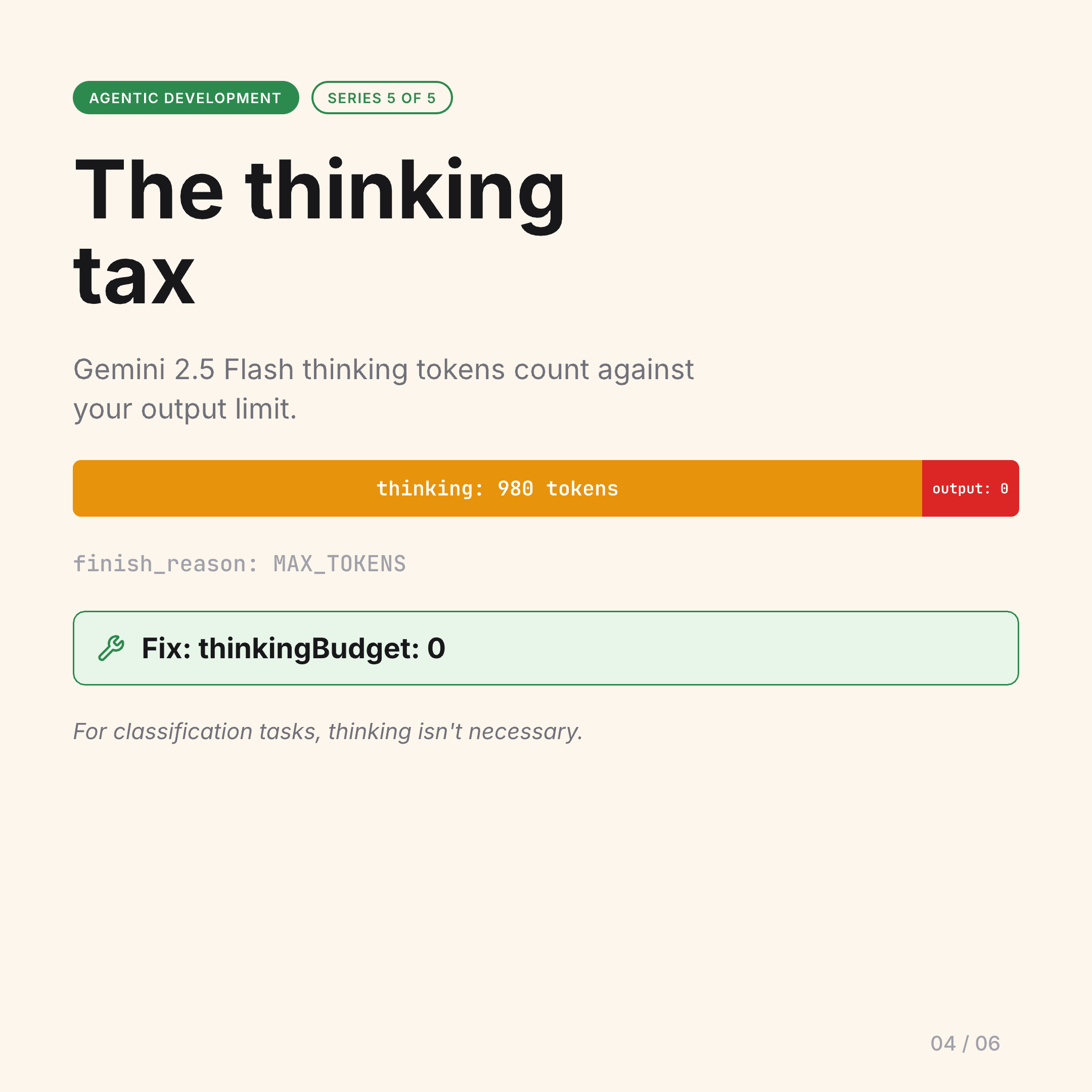
Gemini 2.5 Flash has a “thinking” mode where the model reasons through the problem before producing output. The thinking tokens count against your output token limit — not a separate budget.
My monitoring workflow was asking yes/no classification questions: “does this release break lspforge?” The model was burning ~980 tokens reasoning about the question, then running out of budget before writing the actual JSON answer. My responses were coming back empty.
Fix: thinkingBudget: 0 for classification tasks where you don’t need the reasoning trace. The model answers faster and doesn’t exhaust your output budget on internal reasoning you’ll never see.
Debugging AI with AI
Both problems were diagnosed using Claude Code — an AI agent reading Gemini’s documentation, forming hypotheses, writing test cases, and validating fixes against another AI’s API.
It worked. The irony was not lost on me.
This is agentic development in practice. Not the demo, not the Twitter thread. You build it, it breaks in ways no error message explains, you debug it, fix it, and then something upstream changes and you do it again.
The Slides from the Original Post
The carousel from the LinkedIn post walks through each failure in detail:
What This Means for Agentic Development
The ceiling for solo developers is genuinely higher than ever. One person with a well-designed agentic ops layer can operate at a scale that used to require a team.
But nobody is removing the floor. The floor is still: things break silently, debugging takes time, you need to understand what you’re building well enough to recognize when something is wrong even if the tool doesn’t tell you.
Agentic development changes the work. It doesn’t remove the need to understand the system.
Post 5 of 5 — Agentic Development series.